SYS.GUIDES
Can Claude Generate Images? (2026)
Claude has no native image generation. Here is why, what it does with SVG and charts instead, and how to make Claude generate images through an MCP server.
ON THIS PAGE
The Short Answer
No. Claude cannot generate images on its own. There is no diffusion model, no Imagen, no DALL-E equivalent behind it, so if you ask Claude for a picture of a cat you get a description of a cat. Anthropic reaffirmed this in April 2026, and none of the Claude 5 family models changed it.
But Claude can produce images once you connect it to a model that makes them. That connection is MCP, the Model Context Protocol, which is the standard way to hand an AI assistant tools it did not ship with. Add an image generation MCP server and Claude generates images in the normal chat flow: you ask, it calls the tool, the picture comes back. This guide covers why the limitation exists, what Claude does with visuals without any setup, and exactly how to wire up the MCP route, including a free version.
Why Claude Can't Generate Images
Anthropic never built one. Claude is a text and vision model: it reads images well and writes about them, but producing pixels requires a completely different architecture that Anthropic has not shipped a product around. The company's roadmap has gone hard toward reasoning, coding, and agents instead.
That is a real strategic choice, not an oversight. Image generation is expensive to train, legally messy on training data, and a crowded market. Anthropic put those resources into Claude Code, computer use, and agentic tooling. Whether you think that was smart depends on whether you wanted an image generator or an agent, but the practical result for you is the same: the base model will not draw.
Worth knowing: the capability list Anthropic publishes for each model through the Models API includes image_input. There is no image output field on any model. If you are checking programmatically, that is your answer, and my AI model API ID reference lists which model slugs actually do image generation across providers.
What Claude Does With Visuals Instead
Claude produces code that renders as a visual, which covers more ground than people expect. Ask for a diagram and you get SVG. Ask for a chart and you get an HTML or React artifact that renders live. Ask for a flowchart and you get Mermaid. These are real, usable graphics: vector, editable, and often better than a raster image for anything technical.
What you cannot get this way is photography, illustration, or anything with texture. Claude writing SVG is a person drawing with coordinates. It is excellent at an architecture diagram and hopeless at a product photo.
In the other direction, Claude reads images very well: up to 600 images or PDF pages in a single request, with high-resolution support on the current models. So the honest capability summary is that Claude is strong on image input, decent at code-rendered vector output, and absent on generation.
How to Make Claude Generate Images With MCP
Connect Claude to an MCP server that exposes image generation as a tool, and Claude can generate images. An MCP server is a small program that advertises tools to an AI client. Claude reads the tool descriptions, decides when to call them, sends the prompt, and gets an image back. From the user's side it looks native: you type “make me a hero image for this landing page” and an image appears in the conversation.
The important part is that Claude writes the prompt. You are not typing a paragraph of adjectives into a separate image tool and pasting the result back. Claude already has the context of what you are building, so it composes the prompt from that context. I demoed this live at Seattle Tech Week, where Claude built a full marketing site with generated imagery from a single prompt. Claude wrote every image prompt in that build.
This works in Claude Desktop, Claude Code, and any other MCP client. Cursor and Windsurf support the same servers, so the setup transfers. If you are new to the ecosystem, my complete guide to Claude Code covers how MCP servers get configured in general.
Setting It Up: Free Route and Hosted Route
There are two paths, and the split is not free versus paid. It is whether you want working images or a pipeline you maintain.
Route 1: a hosted server, if the images are for real work
Use a product that ships its own MCP server and you skip key management, prompt writing, and quality control entirely. That is what Dream Pixel Forge does, and it is the one I build: connect the MCP server, and agents write the prompts while a vision model reviews every generated image before you ever see it. Failures regenerate automatically.
That review step is the part people underestimate. Anyone who has used image generation has gotten a hand with six fingers, and one mangled hand on a storefront makes a visitor decide the whole site is junk. Route 2 below will happily hand you that image. Nothing in the raw model API checks its own output. If the images are going in front of customers, you want something between the model and the page. There is a free tier with no card, so you can see whether the validation earns its keep before paying for it, and the full project write-up covers what it does beyond generation.
Route 2: your own API key, if you want to own the pipeline
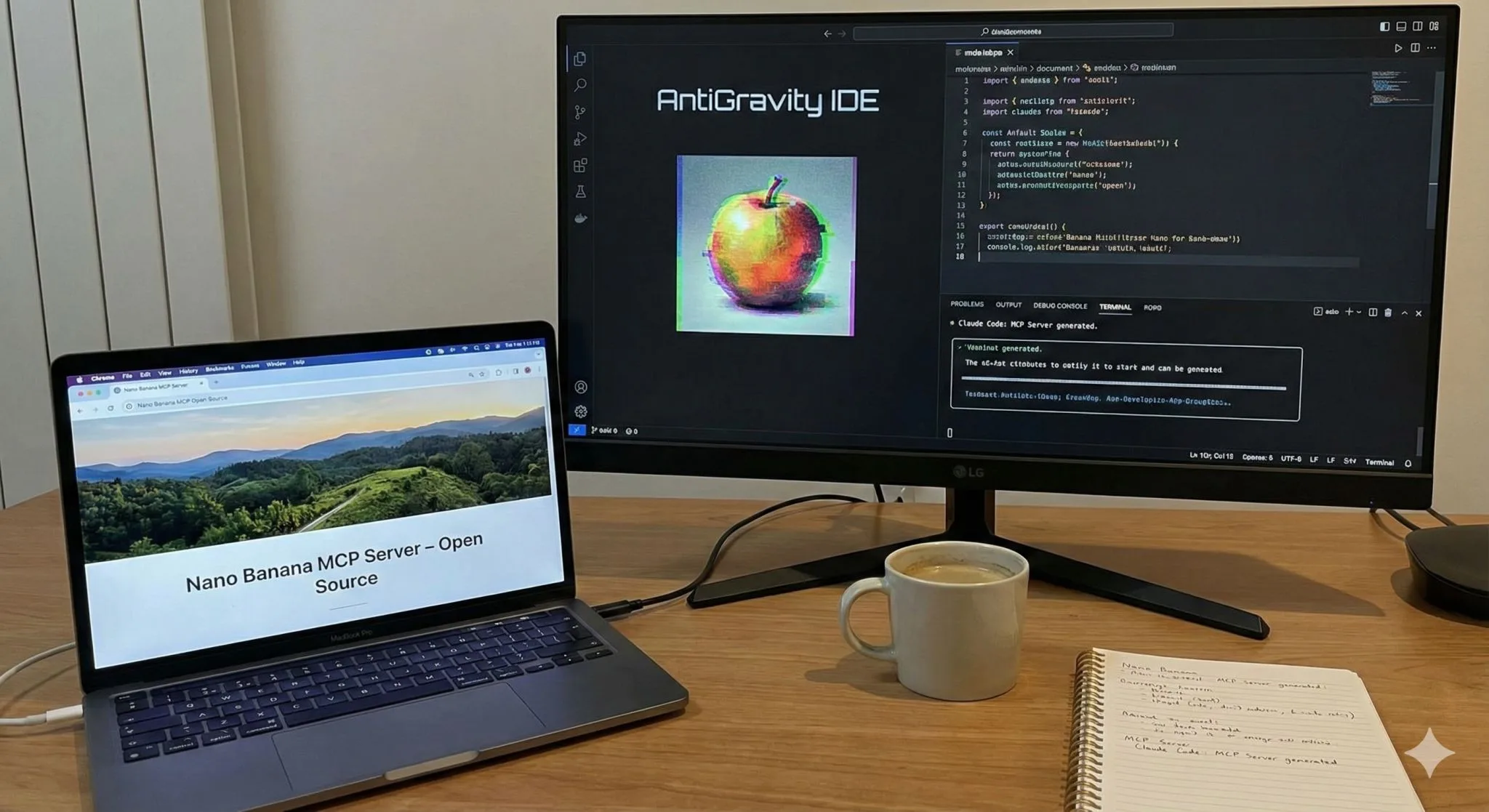
Install an open-source MCP server and point it at a provider you have a key for. I maintain one: the Image Generation MCP Server, MIT licensed, running Gemini's Nano Banana models at any aspect ratio up to 4K including source-image editing. The full build write-up is in the post about how I put it together.
The steps: get a Google Gemini API key, add the server to your MCP config file with the key as an environment variable, restart Claude. Then ask for an image. If the tool does not show up, the config file is the usual culprit, and you can inspect any server's exposed tools with my free browser-based MCP inspector before wiring it into a client.
Take this route if you are a developer who wants the pipeline in your own code, or you are building something the hosted version does not cover. You are still paying Google per image once you pass the free tier, so it is not actually free at volume. What you get is control, and what you give up is the prompting and validation layer, which you will end up rebuilding yourself if the output ever needs to be customer-facing.
Can You Do This For Free?
To a point, yes. The MCP server is free; the image model behind it is metered. Open-source servers cost nothing to install, but every image you generate bills against a provider, and Google's Gemini free tier only covers light use. At a few images a day you spend nothing. At a few hundred you are paying Google, just not paying anyone for the prompting or the quality check.
Claude's own subscription never includes image generation at any tier, so a Max plan will not unlock it. You are always bringing an outside model, and the only real question is who assembles the pieces. Dream Pixel Forge also has a free tier with no card required, and it includes the validation pass, so it is worth comparing against the raw API route before you commit to maintaining one.
If you just want a single image right now with no configuration at all, skip MCP entirely and use my free AI image generator in the browser. No account, no key, no config file.
Claude vs ChatGPT vs Gemini for Images
For pure image generation, ChatGPT and Gemini win by default because they have it built in and Claude does not. That is the whole comparison at the base level. Gemini's image models are currently the strongest of the three for photographic work and for editing an existing image, and Gemini is also far better than Claude at understanding what is in an image, which is why serious pipelines use it for quality checking.
The comparison inverts once you care about what happens around the image. Claude with an MCP server generates images inside a session where it is also writing your code, reading your files, and running commands. Nothing in ChatGPT or Gemini connects image output to a working codebase the same way. If you want a picture, use Gemini. If you want a finished landing page with pictures in it, Claude plus MCP is a different category of tool.
Can Claude Generate Video?
Not natively, but the same MCP fix applies. Claude has no video generation model of its own, so it needs a tool the same way it does for images. Dream Pixel Forge generates video alongside images and exposes an MCP server, so a single connection covers both. Outside that, the video tooling is thinner than the image ecosystem and you are mostly writing a custom server against a provider API.
Reading video is a separate question. Claude cannot watch a video file directly, though it works well with transcripts and extracted frames, which is what my guide to YouTube analysis in Claude Code covers.
Is the MCP Route Actually Worth It?
It depends entirely on whether the image is the deliverable or a part of one. If you want a single image, opening Gemini is faster than configuring anything, and you should do that. The setup only pays off when the image is one step in a longer task Claude is already doing.
The thing I did not expect when I started building on this is how much the prompt-writing matters. Claude producing image prompts from conversation context is consistently better than me writing them, because it knows what the surrounding page or product actually is and I would have written something generic. The generation model is the commodity here. The context is not.
The open question I keep coming back to: if the assistant writes the prompts and a vision model grades the output, what part of image generation is still a human skill? Curation, probably. That is worth thinking about before you spend much more time getting good at prompting.
FREQUENTLY ASKED QUESTIONS
Can Claude generate images?
No, not on its own. Claude has no image generation model behind it, so it can describe an image or write SVG code but cannot produce a photo or illustration. Connecting an MCP server that exposes image generation as a tool lets Claude create real images inside a normal conversation.
Why can't Claude generate images?
Anthropic never built an image generation model, and Claude is a text and vision model only. The company has put its resources into reasoning, coding, and agent tooling instead, and reaffirmed the lack of native image generation in April 2026.
Can Claude generate images for free?
Yes, up to a point. Dream Pixel Forge has a free tier with no card required and connects to Claude over MCP, or you can run an open-source MCP server against Google's Gemini free tier. Both meter usage, and no Claude subscription includes image generation at any tier.
Is Claude or ChatGPT better for image generation?
ChatGPT is better for generating a standalone image because it has the capability built in and Claude does not. Claude wins when the image is part of a larger task, since an MCP server lets it generate imagery inside the same session where it is writing code and editing files.
Can Claude generate images or videos?
Claude generates neither natively. Images are solvable with an MCP server connected to a generation model, but video has a much thinner MCP ecosystem and no practical off-the-shelf option today.
Can Claude create SVG images?
Yes, and this works with no setup at all. Claude writes SVG, Mermaid diagrams, and HTML or React chart artifacts that render as real vector graphics. This covers diagrams and data visuals well but cannot produce photos or illustrations.