SYS.PROJECTS
Dream Pixel Forge: On-Brand AI Image Generator
Agentic AI image and video generation. Agents write the prompts, learn your brand from your URL, and validate every result. Connects to Claude over MCP.
Stop Prompting, Start Directing
Dream Pixel Forge is agentic image and video generation: you state intent and agents do the prompting. Nobody wants to sit tuning a paragraph of adjectives and negative prompts until a composition stops falling apart, any more than they want to hand-write every line of code. You say what you want and a creative director agent plans the set, writes the prompts, generates, and reviews its own output.
It learns your brand from a URL. Point it at your site or store and it reads the page to draft a brand profile: colors, style, identity. Pin the results you like to a moodboard and its taste sharpens over time, so assets stay on-brand without you restating the rules every session.
Every generated image goes through a vision-model review before it is called done, and anything that fails regenerates. This is the part that matters commercially. If you have used AI image generation you have seen the hand with six fingers, and one mangled hand on a storefront makes a visitor write off the entire site.
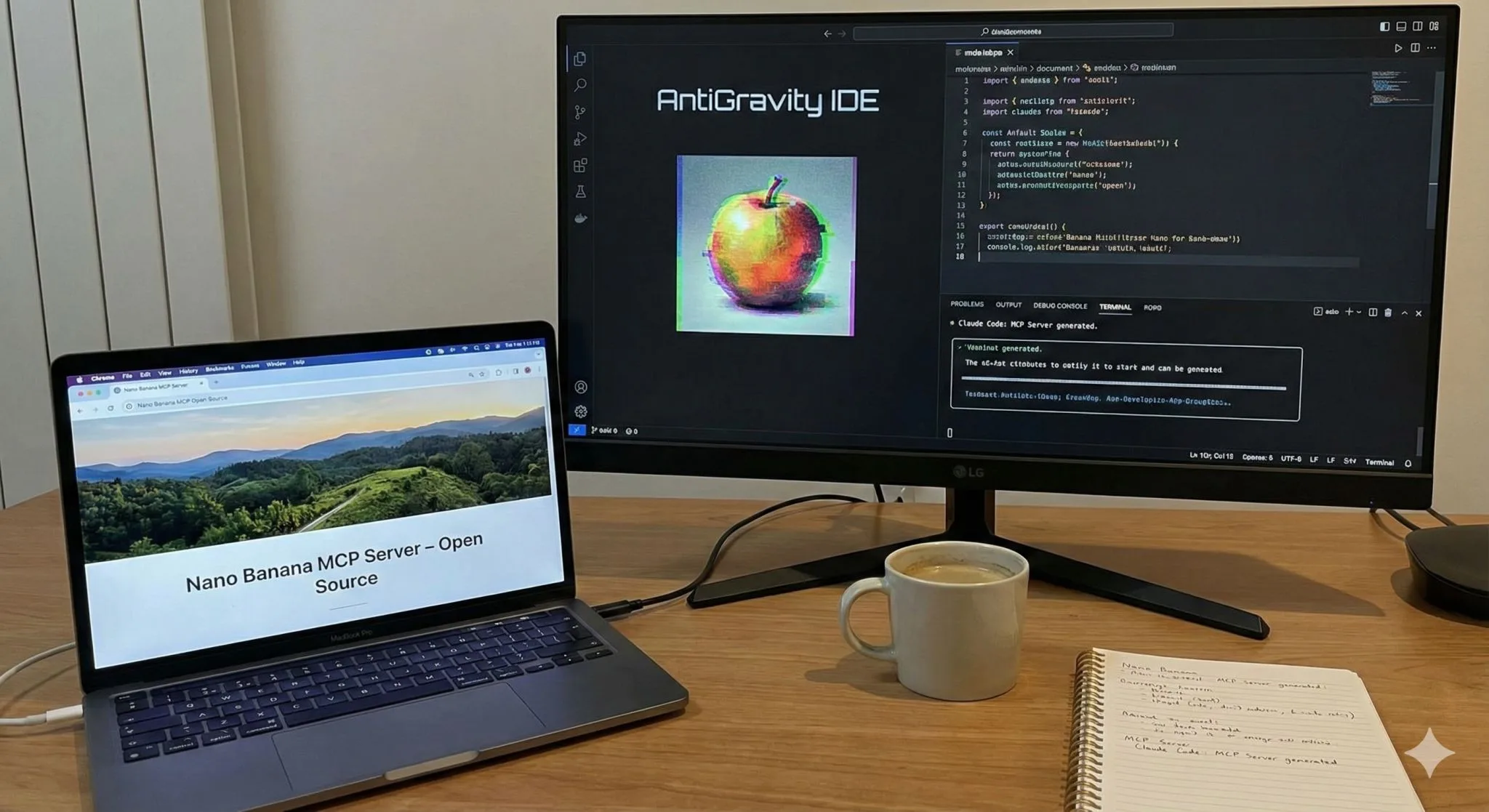
It also comes to you. There is an MCP server and a dpf CLI, so Claude, ChatGPT, or a coding agent can generate assets as a tool call without anyone opening a third-party site. Claude cannot generate images on its own, and connecting the MCP server is what changes that. The Seattle Tech Week demo video shows the studio and the Claude integration running live, including Claude building a full marketing site with generated imagery from one prompt.
Free to start: the try-it widgets need no account, and signing up gives you 15 credits with no card. Paid plans begin at $12 a month and include commercial usage rights.
Everything below is the history of the original open-source local GUI this grew out of, kept for anyone who came looking for the Stable Diffusion desktop app.
The Problem
Running Stable Diffusion locally meant picking your poison. I wanted one app: pick a model from a dropdown, type a prompt, hit generate, and keep everything local.
ComfyUI is powerful but node-based, great for complex workflows and miserable if you just want an image. Automatic1111 covers the basics but feels bolted together, and switching between architectures like SD 1.5 and Kandinsky often means a different UI or manual config. DreamPixel Forge collapses all of that into a single interface with no cloud API keys.
Why Tkinter
I built the GUI in Tkinter, which sounds strange until you count the dependencies. The app already pulls in PyTorch, diffusers, transformers, and multi-gigabyte model weights.
Stacking Electron on top of that felt wrong. Tkinter ships with Python, adds zero extra dependencies, and runs on Windows, macOS, and Linux with no platform-specific packaging for the UI. It looks dated and complex layouts are painful, but for a form-based app the time I did not spend fighting Electron went into features that actually matter.
The Hard Part: VRAM Across Models
Supporting multiple architectures in one app is really a VRAM problem. Load an SDXL model on a 4GB card with SD 1.5 settings and you get an out-of-memory crash with no useful error.
SD 1.5 runs fine on 4GB, SDXL wants 8GB or more, and Kandinsky sits between them. So each model gets its own resolution presets, default negative prompts, and VRAM warnings. Import a custom CivitAI model and the app inspects the file to detect whether it is SD 1.5, 2.1, or SDXL and applies the right config. Acceleration is CUDA on Windows and Linux, Metal on Apple Silicon, with a slow CPU fallback.
The Feature I'm Happiest With
DreamPixel Forge uses a local Ollama model to rewrite your prompts, either converting natural language into tags or expanding a rough idea with detail.
Most people write bad image prompts, get mediocre results, and blame the model. Keeping the enhancement local was the whole point; cloud prompt rewriting would have been easier but defeats the purpose of a privacy-focused tool.
What I'd Do Differently
I would move model management into a separate background service instead of handling downloads on the GUI thread, which currently blocks the UI.
Tkinter's threading model makes that awkward to fix cleanly. Full write-up is in the project blog post. If you would rather generate images from inside an AI agent, I built an Image Generation MCP server for that, and VibeCoder follows the same local-first approach for code.
FREQUENTLY ASKED QUESTIONS
What is Dream Pixel Forge?
Dream Pixel Forge is an agentic AI image and video generator at dreampixelforge.com. You state what you want and a creative director agent plans it, writes the prompts, generates, and reviews the output, so you direct instead of prompt engineering.
How does Dream Pixel Forge learn my brand?
You give it your website or store URL and it reads the site to draft a brand profile covering your colors, style, and identity. Pinning results you like to a moodboard refines its taste over time, so generated assets stay on-brand without you restating the guidelines every time.
Can I use Dream Pixel Forge with Claude or my own agent?
Yes. It ships an MCP server and a dpf CLI, so Claude, ChatGPT, or a coding agent can generate images and video as a tool call. Claude cannot generate images on its own, so connecting the MCP server is what makes that possible inside a normal conversation.
Is Dream Pixel Forge free?
There is a free tier: try-it widgets work with no account, and signing up gives you 15 credits with no card required. Paid generation starts at 2 credits per fast image, with subscriptions from $12 a month or credit packs from $9, and paid plans include commercial usage rights.