SYS.BLOG
Gemini Nano Banana MCP Server (2026)
An open-source MCP server that brings Gemini Nano Banana image generation to Claude Code, Cursor, and any MCP IDE. Custom aspect ratios up to 4K, no square limit.
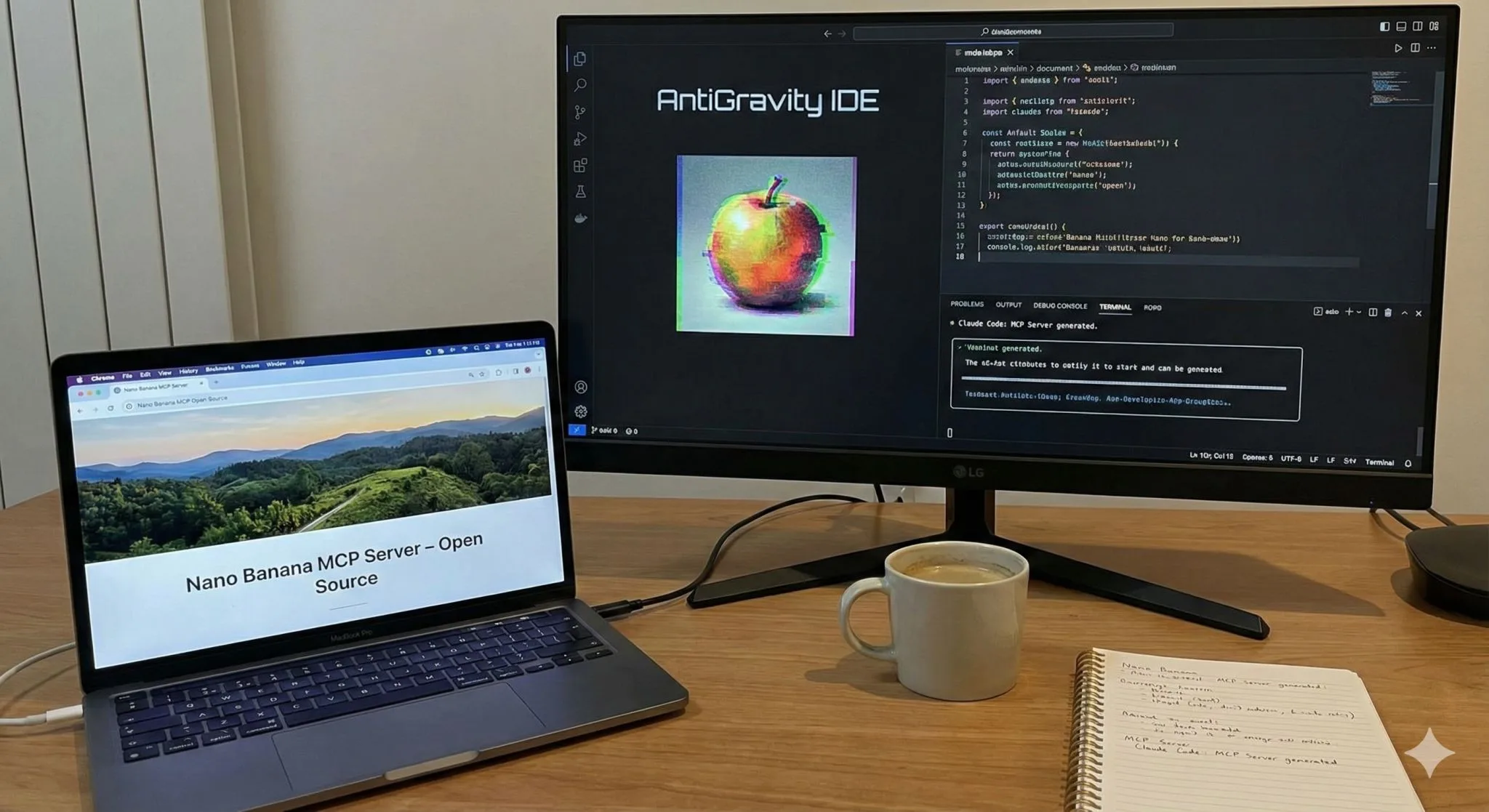
Google's AntiGravity IDE has a genuinely useful feature: the AI coding agent can generate images inline using Gemini Nano Banana, and you can drop them straight into your project. Great for websites, game sprites, UI assets, anything visual.
But there's a catch: it only outputs square images. That's a dealbreaker for most real projects. My website needs landscape thumbnails. Games need wide backgrounds. Square-only is a non-starter.
The Fix: One MCP Server, One Shot
Rather than waiting for Google to add aspect ratio support, I asked Claude Code to build an MCP server that calls the Gemini image generation API directly, with full control over dimensions.
It built it in one shot. A little research to confirm the right API surface, and it was done. The server exposes image generation as a tool that any MCP-compatible agent can call, which means it works across Claude Code, Claude Desktop, and any other IDE with MCP support, not just AntiGravity.
If the relationship between an MCP host, client, and server is new to you, the plain-language MCP server guide explains the contract and permissions first. The Model Context Protocol topic hub then connects this implementation to inspection tools, protocol changes, and other open-source servers.
What It Does
- Generate images at any aspect ratio (landscape, portrait, square)
- Call it from any MCP-compatible IDE or agent
- Get production-ready images without leaving your workflow
The image quality from Gemini's image generation is genuinely impressive: the usual AI artifacts show up occasionally, but the baseline quality is high enough that I'd call the results practically production-ready for many use cases.
Get It
Source code is on GitHub. If you got here wondering whether Claude can generate images at all, the short answer is not natively, and this server is the free way to fix that. If you're building a website or game and want quick, high-quality AI-generated images without leaving your editor, give it a try. And if you want your AI agent to manage project tasks too, check out AGINEAR, same MCP pattern, applied to project management.
The commercial version of this idea is Dream Pixel Forge, where agents write the prompts and a vision model reviews every output before you see it. I demoed it live at Seattle Tech Week, including Claude building a full marketing site with generated imagery from one prompt.
If you're building your own MCP server and want to poke at what it exposes without wiring it into a client first, I built a free browser-based MCP inspector that connects to any remote server and lets you test its tools directly. And before you start a new server, read up on the stateless MCP spec that shipped in July 2026, because it changes how servers handle sessions and state.
FREQUENTLY ASKED QUESTIONS
What is an MCP server and how does it work?
An MCP (Model Context Protocol) server extends AI assistants like Claude with custom tools and capabilities. It acts as a bridge that lets Claude call external APIs and services, in this case enabling image generation directly within your coding workflow.
Does the Gemini MCP server require an API key?
Yes, you need a Google AI API key with Gemini access. The server authenticates your requests to Google's image generation models (like Imagen via Gemini) and handles the image creation and delivery back to Claude.
Can I use this MCP server with Claude Code or Cursor?
Yes, MCP servers work with any MCP-compatible client including Claude Desktop, Claude Code, and Cursor. You configure the server in your MCP settings file and Claude can then call the image generation tool during conversations.