SYS.BLOG
3D Modeling and Texturing
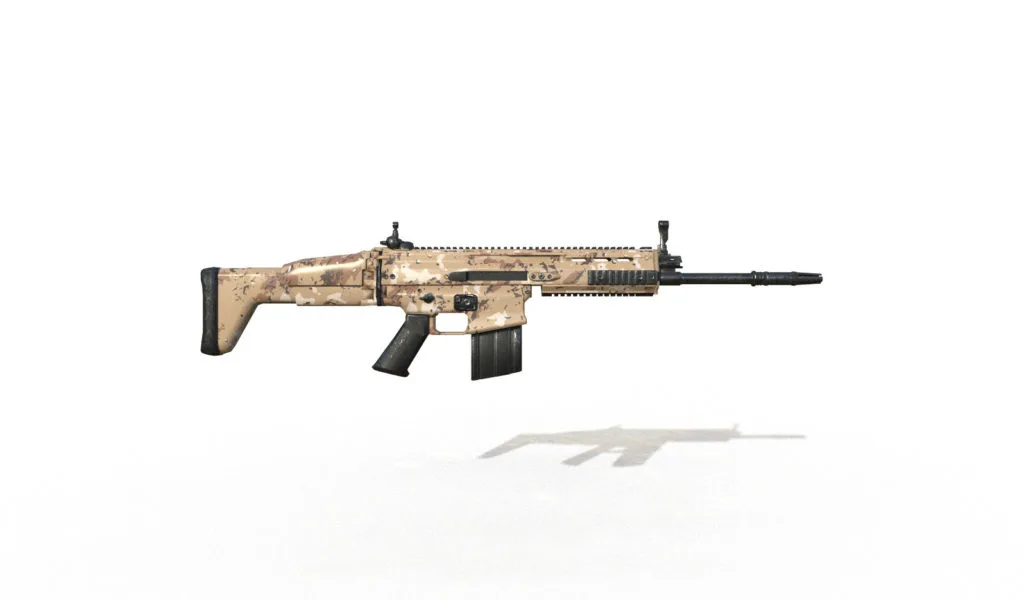
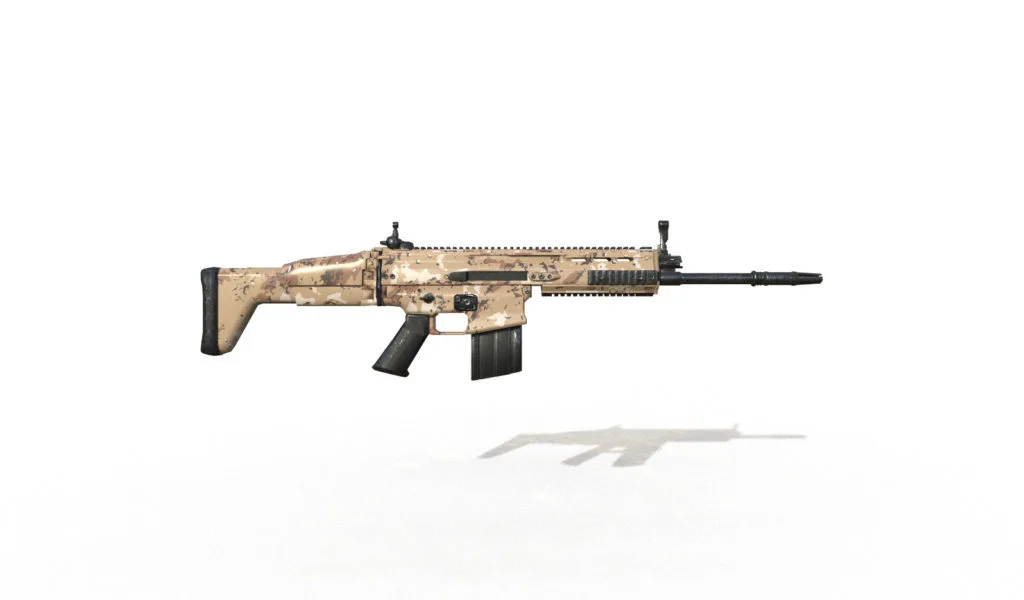
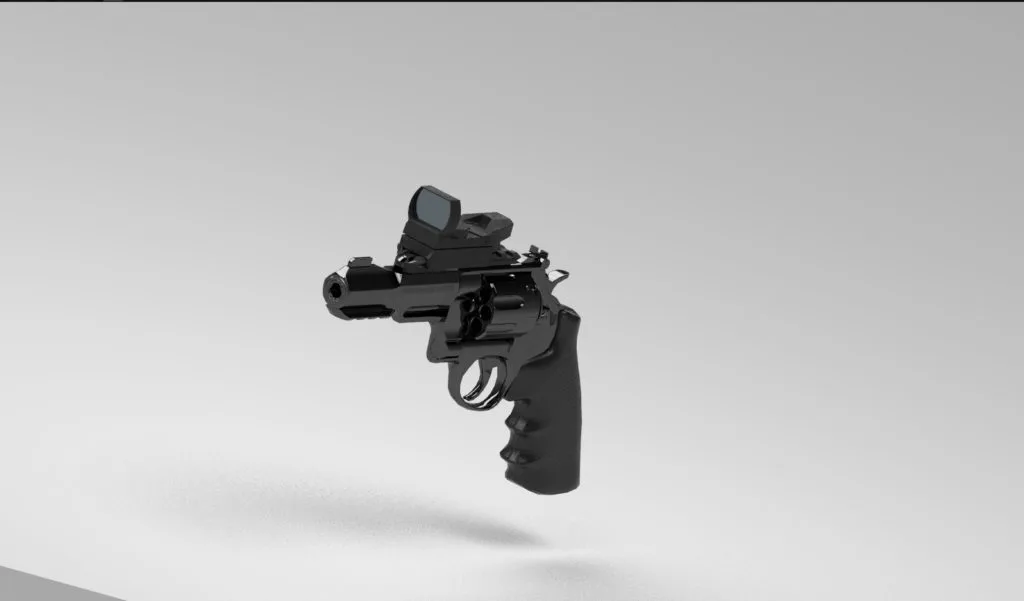
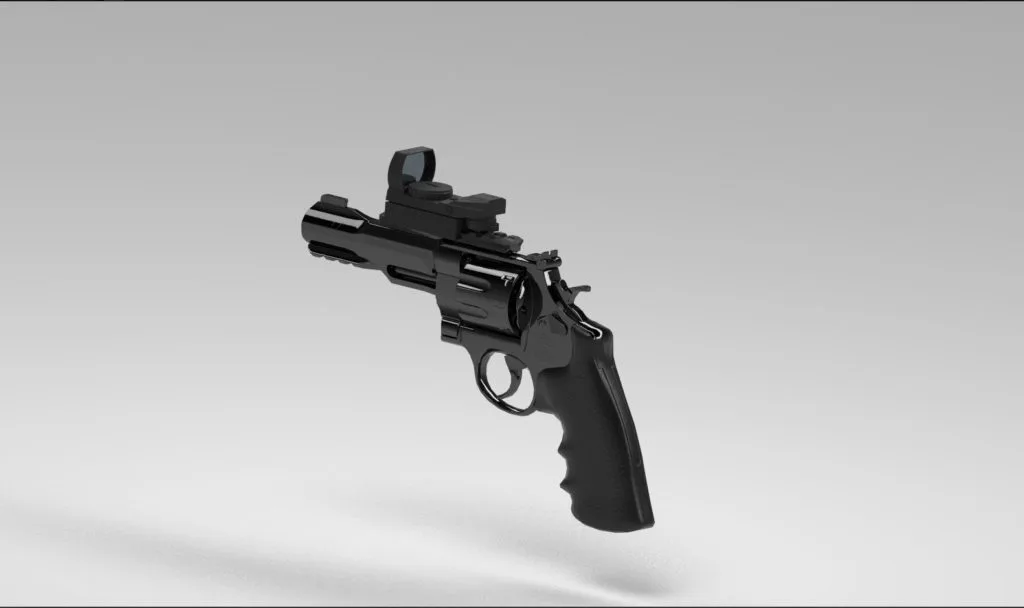
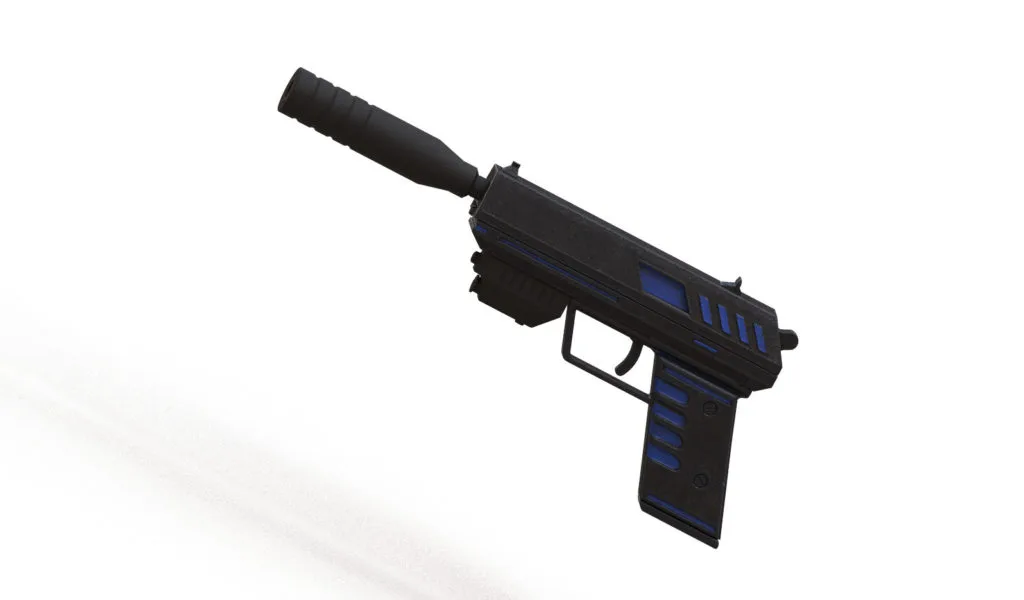
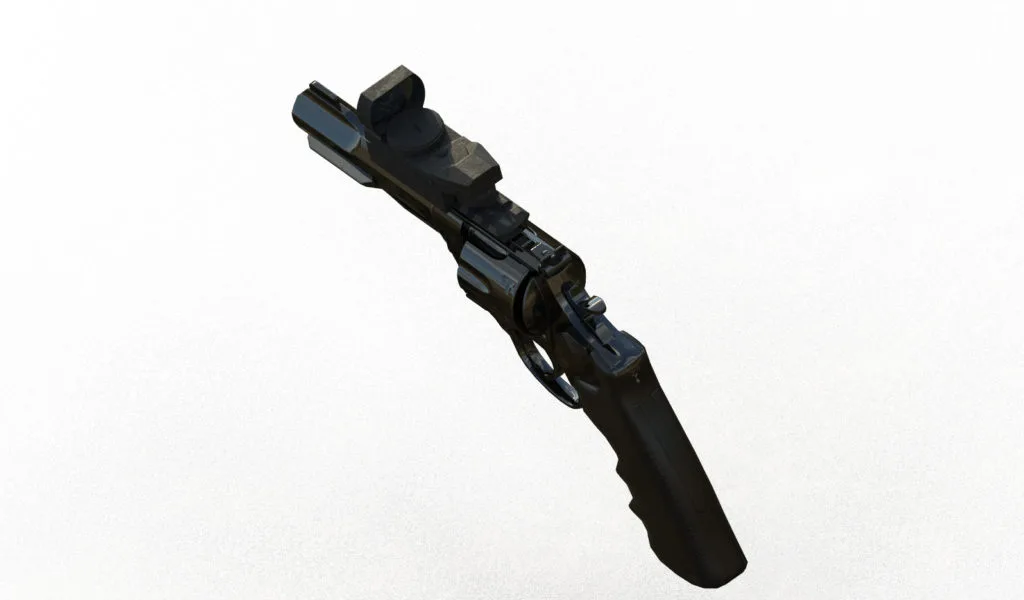
A showcase of 3D weapon models created in ProBuilder Pro and textured in Substance Painter 2, including embedded Sketchfab models.
FREQUENTLY ASKED QUESTIONS
Why use Substance Painter instead of Blender for texturing?
Substance Painter offers specialized tools like procedural texturing, smart masks, and dynamic materials that make creating detailed, realistic textures faster than Blender's built-in options. It excels at adding wear, dirt, and material variation to game-ready assets.
Is Substance Painter CPU or GPU intensive?
Substance Painter is largely GPU accelerated, so investing in a good graphics card provides better performance than a high-end CPU. A modern mid-range GPU handles most texturing workflows smoothly.
What workflow do you use for 3D weapon models?
The standard workflow involves modeling the base mesh and UVs in software like Blender or Maya, then importing to Substance Painter for texturing. Smart materials and generators quickly add realistic surface details like scratches, edge wear, and material properties.