SYS.BLOG
OpenAI Codex Micro Alternatives (2026)
OpenAI's $230 Codex Micro is a Work Louder macropad with a keyset tax. A $100 Stream Deck Neo or a $60 VIA macropad replaces it for Codex and Claude Code.
OpenAI just shipped its first piece of hardware, the Codex Micro, and it costs $230. Strip away the branding and it's a Work Louder Creator Micro, a macropad you can already buy for around $130, with a custom keyset and a Codex firmware profile bolted on. You are paying a roughly $100 tax for icon keycaps and a software preset. If you want a tactile control surface for your coding agents without the markup, you can wire up a generic programmable macropad for a fraction of the price. Here is how.
What the OpenAI Codex Micro actually is
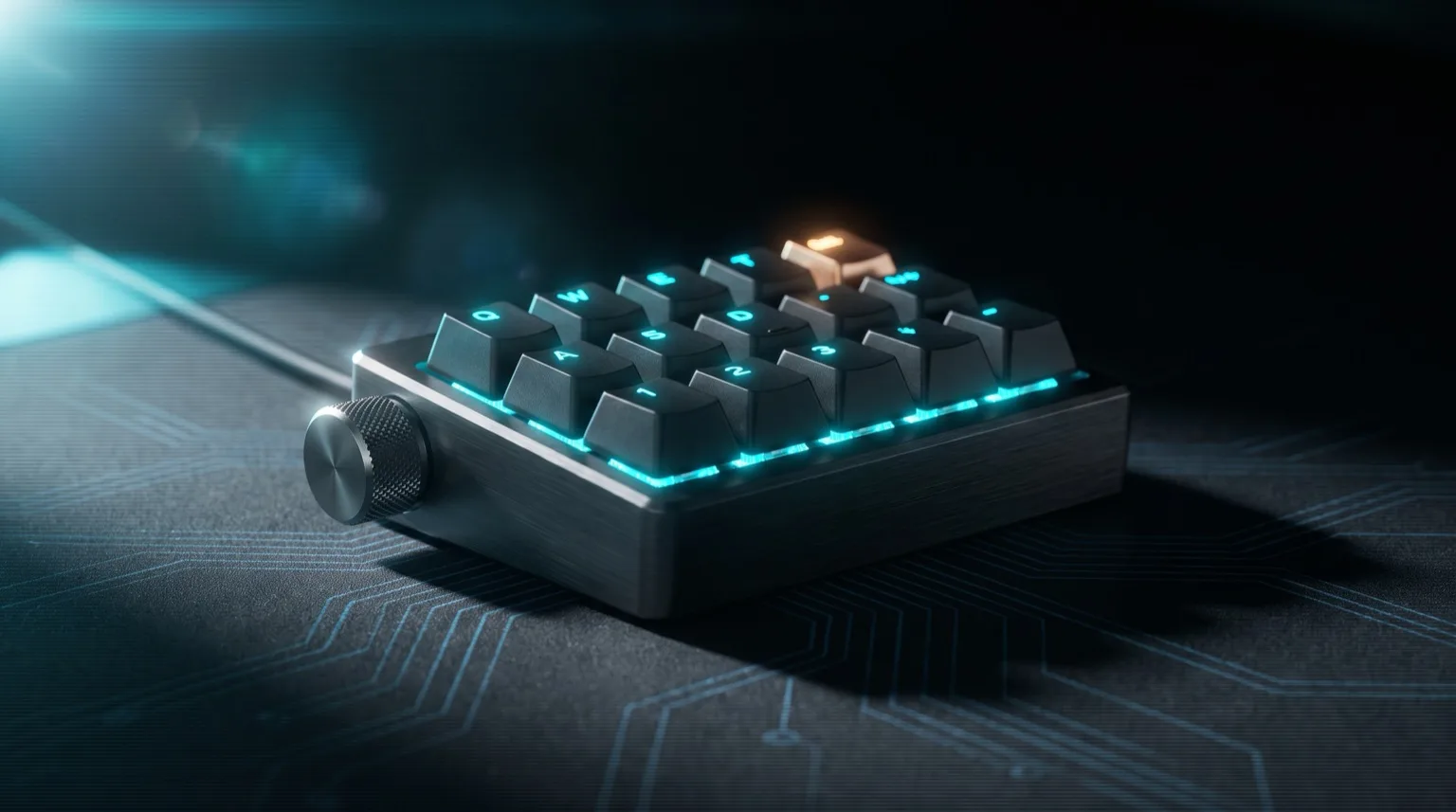
The Codex Micro is a $230 macropad with 13 mechanical keys, a rotary encoder, a touch sensor, and a small joystick, co-designed with keyboard maker Work Louder. It connects over USB-C or Bluetooth and works on Mac and Windows. The pitch is a physical command center for OpenAI's Codex agents: keys for accept, reject, push-to-talk, and new chat, a joystick to launch workflows like reviewing a PR, and a dial to change the reasoning level on the fly.
The novel part is not the keys. It is the six frosted agent keys that light up with live status pulled straight from Codex: white for idle, blue for thinking, green for done, amber when it needs your input, red on errors. That works out of the box, which no cheap pad does. But here is the part most of the launch coverage missed: the Codex CLI is open source and already fires hooks on agent events, so the status lights are something you can rebuild yourself, not something only OpenAI can ship. More on that below.
What a cheap macropad does out of the box (and what takes work)
The shortcut half is instant, and the status-light half is a scripting project rather than an impossibility. Every tactile action on the Codex Micro (accept, reject, interrupt, new session, switching layers, turning a knob to scroll or change a setting) is just a keystroke or a macro that any programmable pad can send the moment you plug it in. The glowing agent status is the part you do not get for free, but since the Codex CLI is open source and exposes hooks, you can wire real agent state to the LEDs yourself instead of paying for a sealed integration.
So the honest trade is this: you get 100% of the day-to-day usefulness (dedicated keys for the actions you hit fifty times a day) for around 15% of the price, immediately. The status board costs you an afternoon of scripting if you want it. For most people driving Codex or Claude Code all day, the shortcuts are the part that actually saves time anyway. The lights are a nice demo you can bolt on later.
The best Codex Micro alternatives, by budget
Pick based on your OS and how deep you want to go. The single biggest gotcha with cheap Amazon macropads is that many use a proprietary Windows-only driver, which is a dealbreaker if you are on a Mac like most of the Codex and Claude Code crowd. So match the pad to your setup.
Rock bottom: a $30 six-key pad (Windows only)
If you are on Windows and just want a few dedicated keys, a generic six-key macropad with a knob runs about $25 to $35. The SIKAI six-key macro pad is the usual suspect. Two catches: it uses a Windows-only driver, and its macros are capped at a handful of keystrokes each. That is fine for mapping single shortcuts like Enter to accept or Escape to interrupt, but it will not run long command strings, and Mac users are shut out entirely.
Best value: a VIA/QMK pad with a knob (Mac and Windows)
This is the one I would actually buy. A macropad running QMK/VIA firmware (the open-source keyboard firmware that the Work Louder pad also uses) is cross-platform, remappable in a browser, and supports layers and long macros. The KEEBMONKEY/DOIO Megalodon gives you a knob and a full grid of keys for roughly $60 to $80, and it is QMK/VIA compatible out of the box. You configure it once in the VIA web editor and it works the same on macOS, Windows, and Linux because the mapping lives on the device, not in a driver.
The actual same hardware: Work Louder Creator Micro
If you want the exact pad that is inside the Codex Micro, buy the Work Louder Creator Micro directly for around $130. It is the same twelve-key-plus-knob pad with the touch-sensor layer switching and RGB, running VIA. OpenAI's $230 bundle adds the Codex icon keyset and the status-light integration on top. If you do not care about the frosted agent keys glowing, you are buying the identical control surface for a hundred dollars less.
What about an Elgato Stream Deck?
A Stream Deck is the only option in this post that gets you the agent status lights without writing firmware, and it is what people keep suggesting for good reason. The reason it wins is not price. It is that every key is a tiny LCD screen instead of a plastic keycap, so the key face itself is the display. The Codex Micro's frosted agent keys can glow a color. A Stream Deck key can glow a color, show an icon, and print the word THINKING, then change all three the instant your agent changes state.
Two models make sense here. The Stream Deck Neo is $99.99 for 8 LCD keys, two touch points, and a customizable infobar, over USB-C. The Stream Deck Mini is 6 keys for around $77 and is the older design. Buy the Neo. The two extra keys matter more than you think once you have accept, reject, interrupt, new session, and push-to-talk mapped, the touch points flip between pages so you get the layer trick from the VIA pads, and the infobar is a free strip of screen to park agent status on.
The feature that sells it for agent work is automatic profile switching. Stream Deck swaps profiles based on which app has focus, so your terminal gets the Codex keys the moment you tab to it and your browser gets something else. No layer key to remember, no touch sensor to fumble. The keys just mean the right thing.
Now the honest part, because this is not a clean win. Neither the Neo nor the Mini has a dial, and the Codex Micro's rotary encoder for changing reasoning level on the fly is genuinely nice. Dials mean a Stream Deck +, which is around $200 and torches the entire savings argument. The Elgato software also has to be running for any of it to work, where a QMK/VIA pad stores its mapping on the device and works on any machine you plug it into, including one you cannot install software on. And it is Mac and Windows only. Linux users get community projects, not official support, which is a real step down from QMK.
But the status lights are where the Stream Deck earns the extra $30 over a VIA pad. Elgato ships a documented plugin SDK: a Node package (@elgato/streamdeck) that talks over a WebSocket and gives you setImage and setState on any key. Wire that to the Codex notify hook or the hooks in Claude Code and you have a real status board: green key when the run finishes, amber when it wants input, with the current step printed on the key face. That is the same afternoon of work as the QMK raw HID route, except the docs are good and the output is better.
So the verdict: if the frosted agent keys are the reason you want the Codex Micro, buy a Stream Deck Neo instead. You get a better version of that feature for $100 instead of $230, and it works with Claude Code, Cursor, or whatever you switch to next year, not just Codex. If you do not care about the lights, the VIA pad is still cheaper and needs no background app.
How to program a macropad for your agents
Program it by mapping the keys to the exact shortcuts your agent already uses, then organizing them into layers per tool. With a VIA pad you do this in the VIA web app: plug in the pad, click a key, and assign a keystroke or macro. No driver install. Here is the layout I would start with for a Codex and Claude Code workflow.
| Key | Maps to | Why |
|---|---|---|
| Accept | Enter | Approve the proposed edit or command |
| Interrupt | Escape | Stop the agent mid-run when it goes sideways |
| New session | Macro: Ctrl+C Ctrl+C then your launch command | Bail out and start a fresh agent in one press |
| Push-to-talk | Your dictation hotkey (macOS: Fn Fn) | Talk to the agent instead of typing long prompts |
| Slash command | Macro: types /review or /goal | Fire a recurring workflow without retyping it |
| Knob | Scroll up/down; press for accept-all | Skim long agent output without the mouse |
The trick that makes this worth the desk space is layers. Put your Claude Code bindings on layer one and your Codex bindings on layer two, then use the touch sensor or a dedicated key to flip between them. Now the same physical keys mean the right thing for whichever agent is in front of you. Macros let you go further: map a key to type out a full prompt you send constantly, like "review this diff for security issues and do not touch unrelated files." If you run long autonomous missions, this pairs well with Codex's /goal feature, where one keypress can kick off an hours-long run.
Can you DIY the agent status lights?
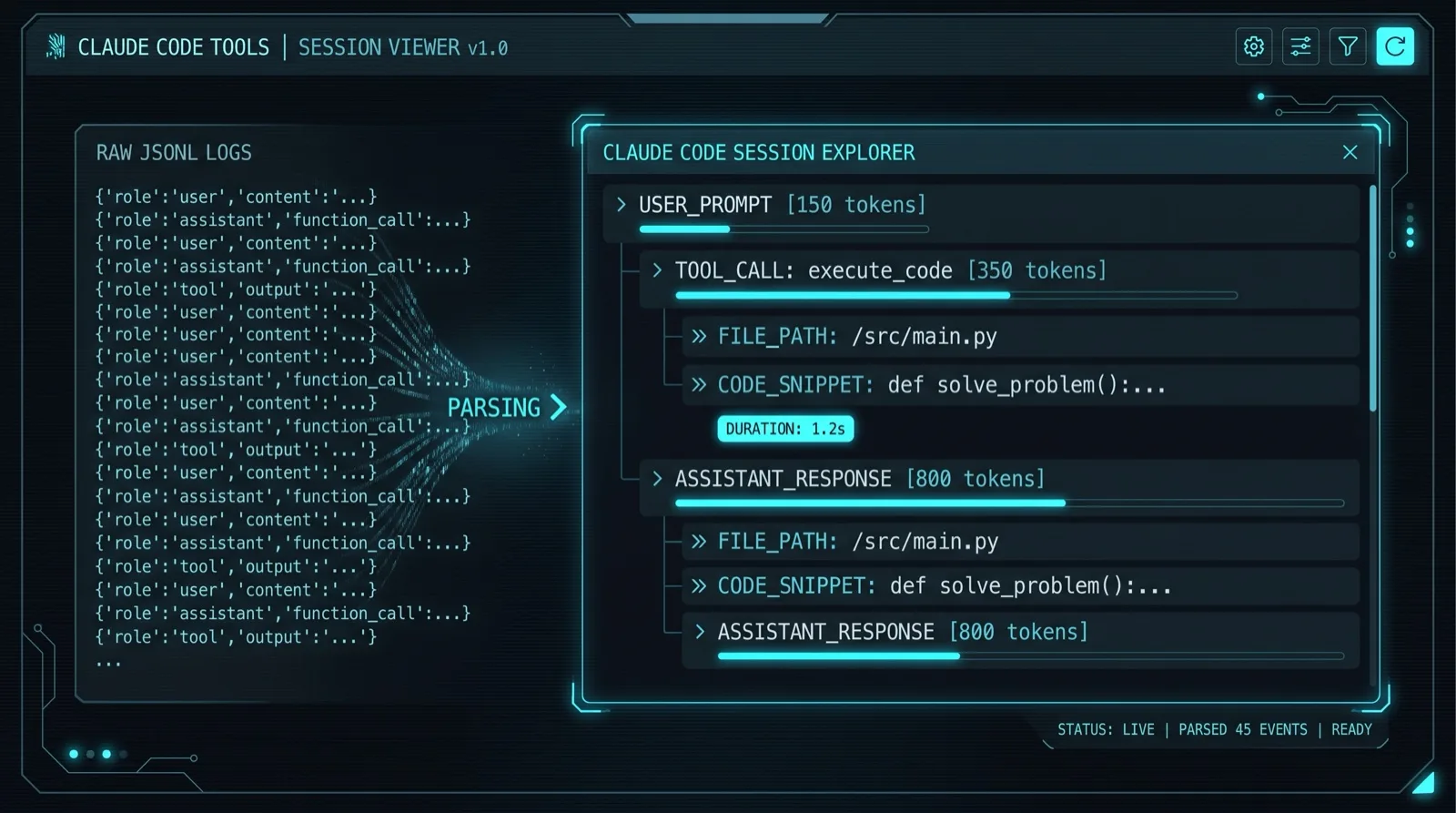
Yes, and it is better supported than the launch made it sound. The shortest path is the Stream Deck above, where the keys are screens and the SDK is documented. On a QMK pad it is a bit more work: QMK supports raw HID, so you write a small script that watches your agent's state and sends the pad a message to set an LED color. Either way, Codex hands you a clean signal to watch: its open-source CLI has a notify hook that fires on agent-turn-complete with a JSON payload, so you can flip a key amber the moment it wants input. Claude Code exposes the same style of hooks, and you can also tail a Claude Code session log for finer-grained state. Budget an afternoon. And because the Codex CLI is open source, the fastest path is to point Codex at its own repo and have it write the bridge for you.
There is a blunter path, too. People have already convinced other hardware to show up as a Codex Micro and gotten the full agent-key behavior that way, lights and all. The ChatGPT desktop app is what actually drives those lights, pushing colors down to whatever it believes is plugged in, so if your pad says it is the real thing it gets lit up like the real thing. Just do not build your week around it. This is a days-old trick against an interface nobody documented on purpose, and OpenAI can break it in a point release whenever it feels like it.
So who should just buy the Codex Micro?
Buy the real thing if you use Codex specifically, you want the status lights with zero setup, and you want the dial. That is a narrower case than it looked a week ago. It is a limited run, it looks great, and nothing else gives you glanceable agent status the second you plug it in. But if the lights are the draw and you are willing to spend an afternoon, a Stream Deck Neo does that job better for $100. And if you only ever wanted dedicated keys for the actions you hit fifty times a day, a VIA pad and twenty minutes in the VIA editor gets you there for $60 to $80, with no background app and nothing to script.
If you are still deciding which agent to build this around in the first place, I broke down Claude Code vs Codex vs Cursor from daily use, and if Codex pricing or rate limits are pushing you to look around, here are the best Claude Code alternatives I have found.
Heads up: some of the hardware links in this post are Amazon affiliate links. If you buy through them I earn a small commission at no extra cost to you. I only recommend hardware I would actually use, and I am blunt above about what these pads cannot do.
FREQUENTLY ASKED QUESTIONS
What is the OpenAI Codex Micro?
The Codex Micro is OpenAI's first hardware product, a $230 programmable macropad co-designed with Work Louder. It has 13 mechanical keys, a knob, a joystick, and six agent keys that light up with live Codex status. Underneath it is a Work Louder Creator Micro with a Codex keyset and firmware profile added.
Is the Codex Micro worth $230?
Only if you want the live agent status lights and use Codex specifically. The same Work Louder Creator Micro hardware sells for around $130 on its own, and a cross-platform VIA/QMK macropad with a knob runs $60 to $80. You are paying roughly a $100 premium for the icon keyset and the status-light integration.
Can a cheap macropad control Codex or Claude Code?
Yes. Any programmable macropad can send the keystrokes your agent uses, so you can map keys to accept, interrupt, and fire slash commands. A VIA/QMK pad does this across Mac, Windows, and Linux. You do not get the live RGB status lights out of the box, but the Codex CLI is open source with event hooks, so you can script those yourself.
Can you use an Elgato Stream Deck instead of the Codex Micro?
Yes, and it is the closest replacement because every Stream Deck key is an LCD screen that can display live agent status, not just a color. The Stream Deck Neo costs $99.99 for 8 keys versus $230 for the Codex Micro. It has no dial, and it needs Elgato's software running on Mac or Windows.
Which Stream Deck is best for coding agents?
The Stream Deck Neo at $99.99 is the one to get, with 8 LCD keys and two touch points for switching pages. The 6-key Stream Deck Mini works for around $77 if you only need a few actions. Skip the Stream Deck Plus unless you specifically want dials, since at roughly $200 it costs nearly as much as the Codex Micro.