SYS.BLOG
ARCore Virtual Forest
A quick ARCore test where users tap to place randomized trees, rocks, and bushes onto detected planes to build their own virtual forest.
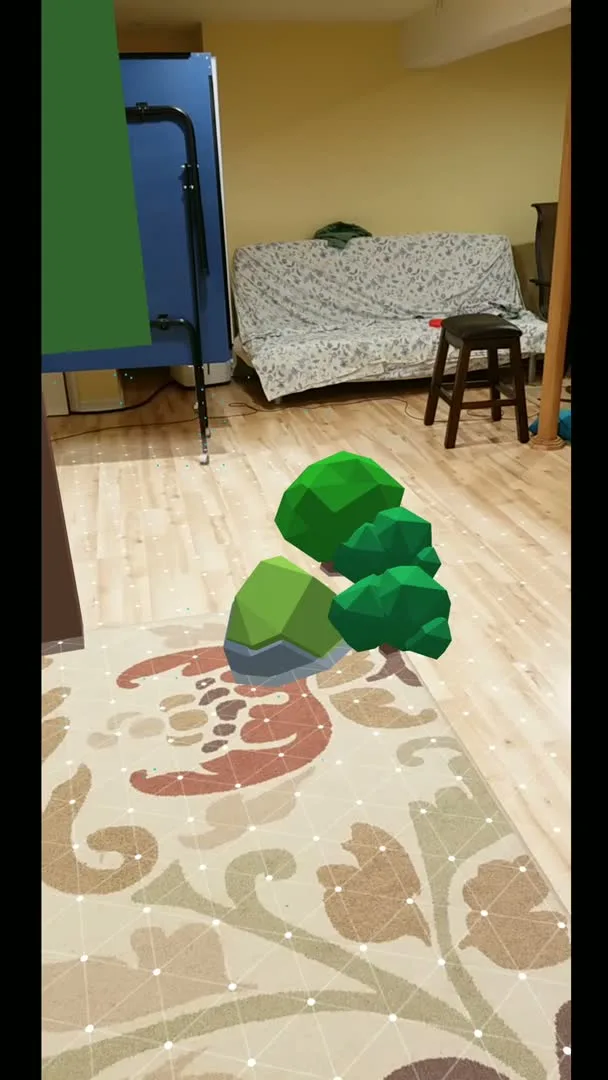
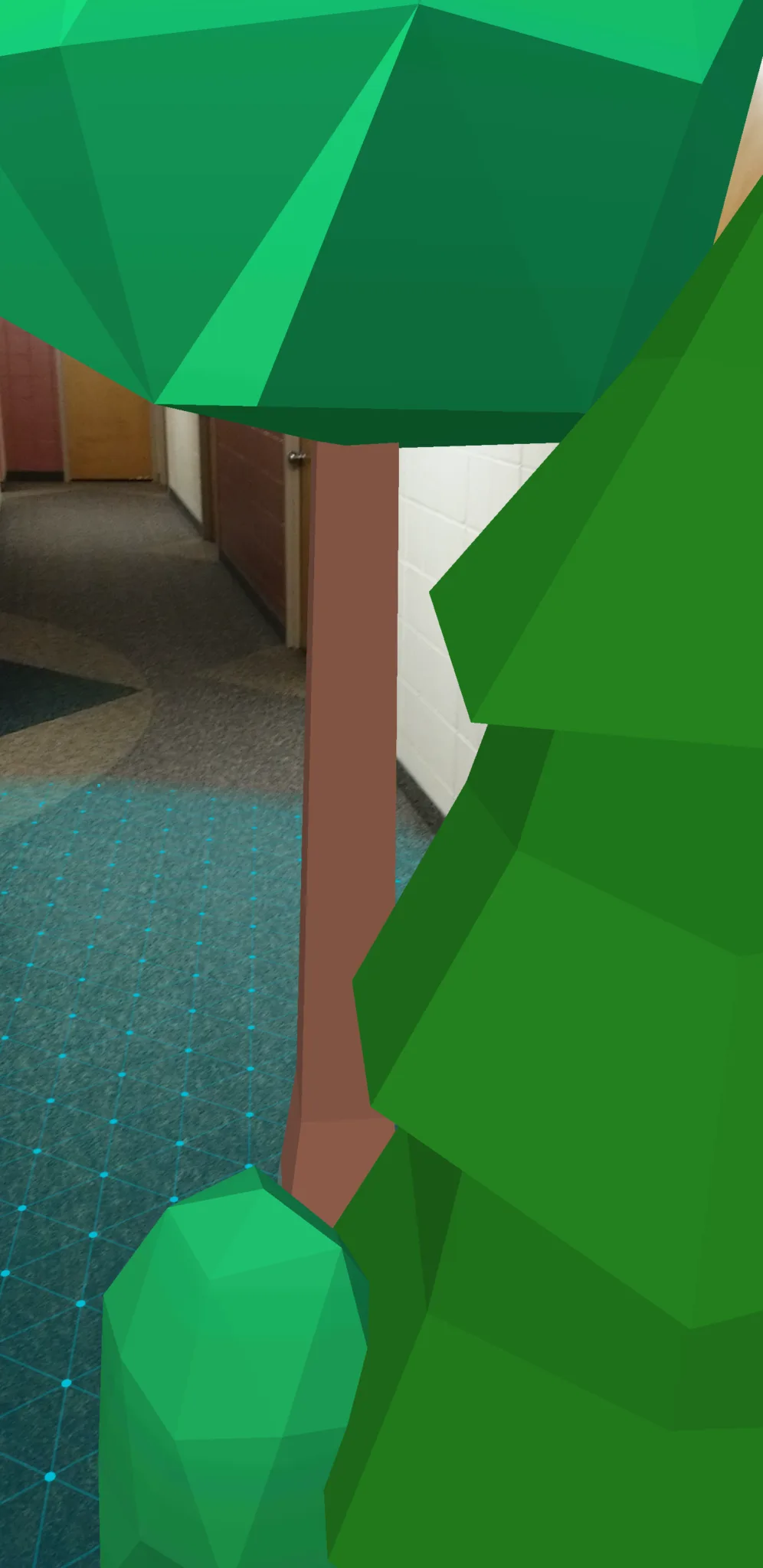
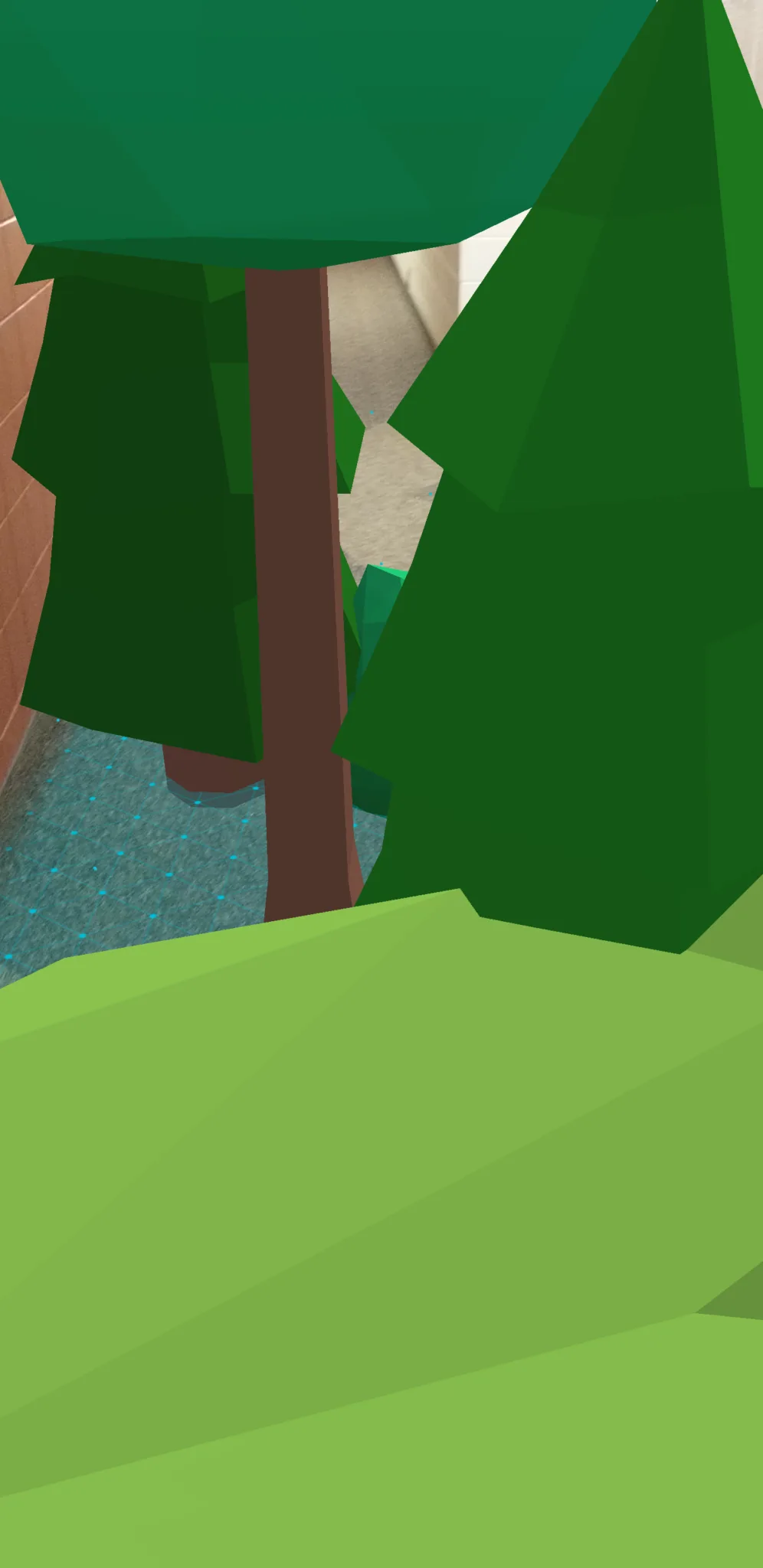
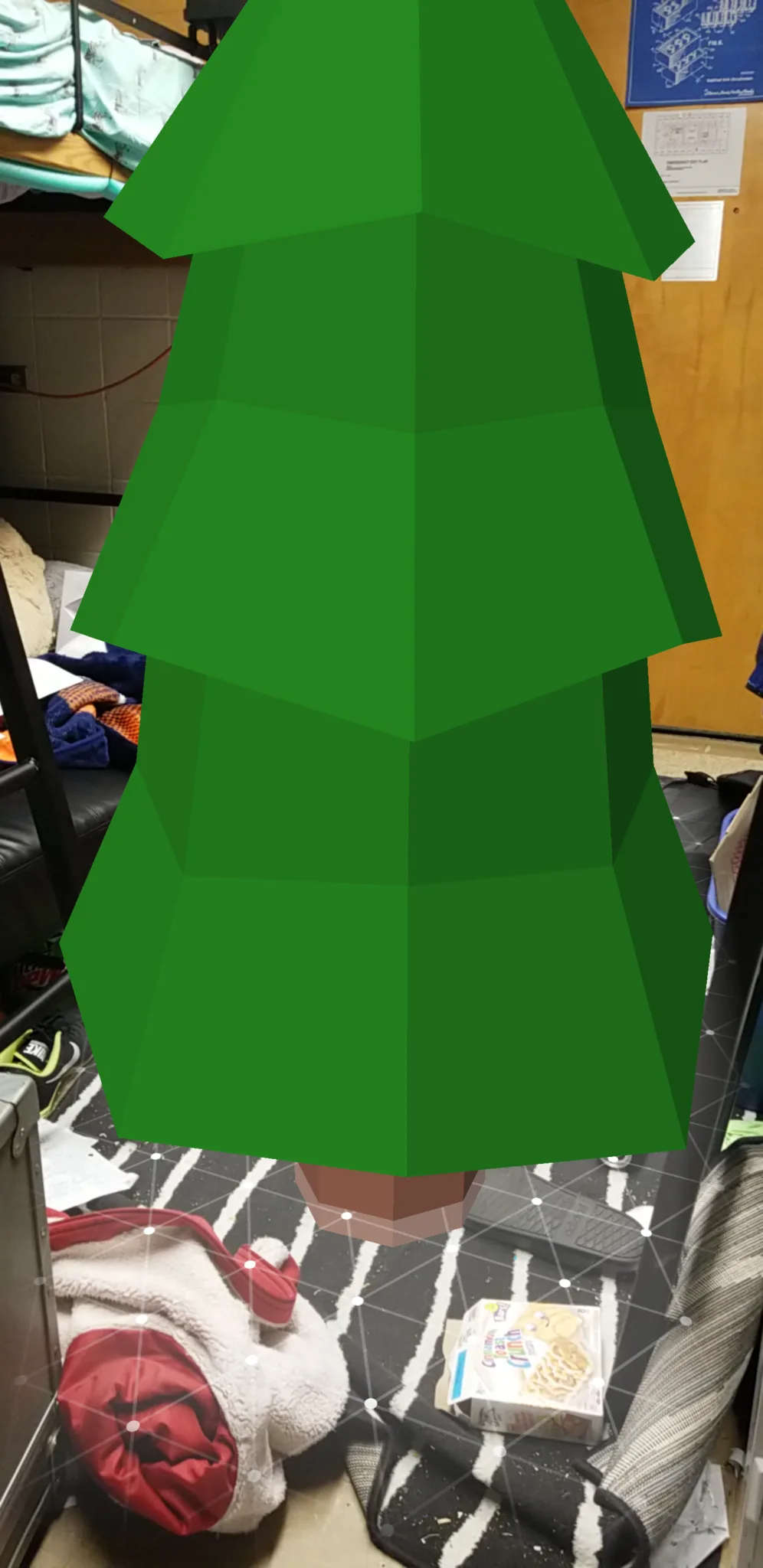
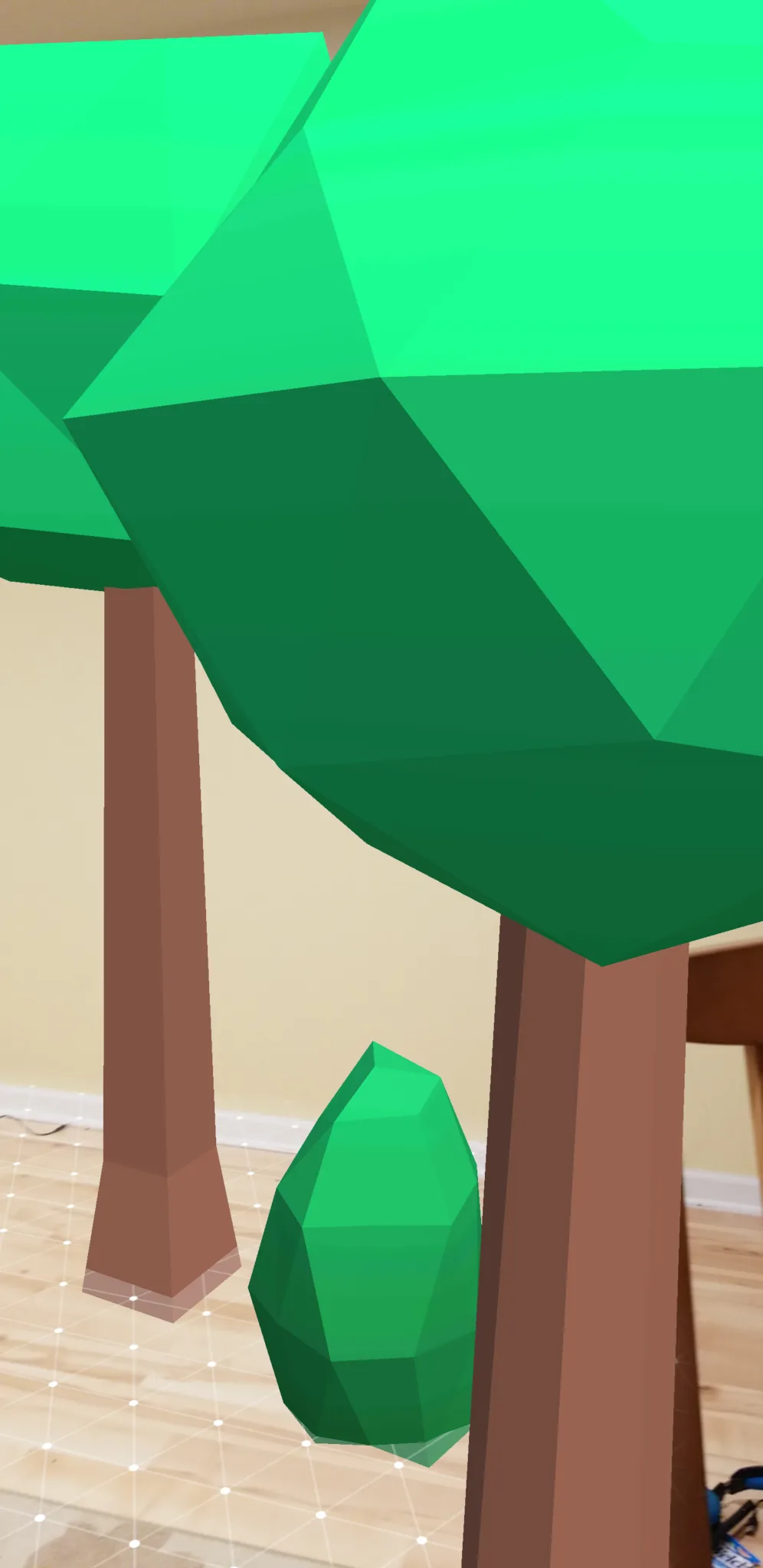
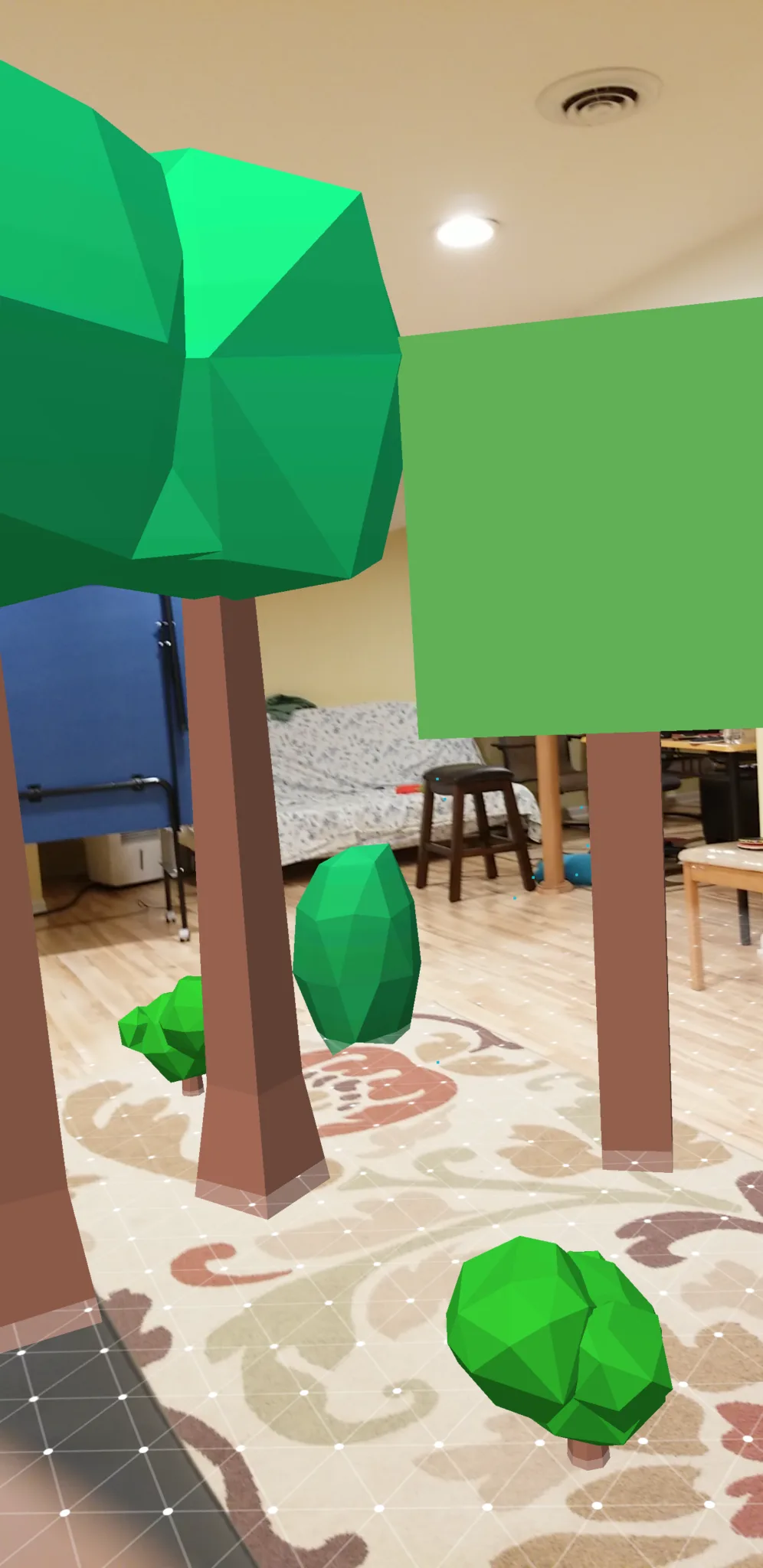
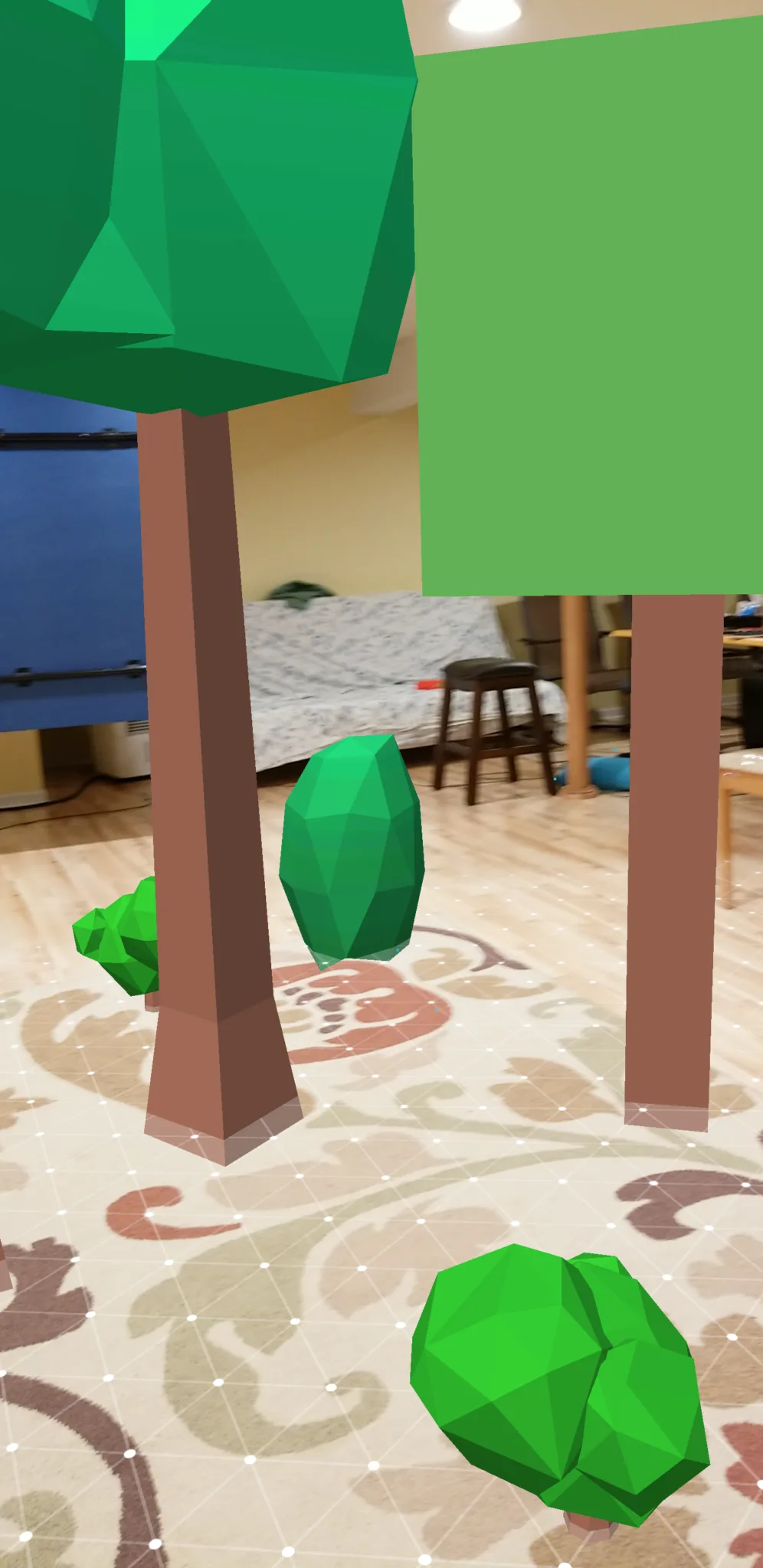
A test of the ARCore Unity plugin on a Galaxy S8 running ARCore Dev Preview 2. The app lets you tap to place randomized low-poly objects (trees, rocks, and bushes) onto detected planes to build a virtual forest in your real environment.
Plane detection works well once you move the phone laterally to help the algorithm find flat surfaces; holding still delays acquisition. Several tree types appear in the demo: bushy round-topped trees, minimal cube-form trees, and a layered conical pine. Objects respect the detected plane and cast shadows that match the room lighting.
FREQUENTLY ASKED QUESTIONS
How do you install ARCore in Unity?
Install ARCore by adding the Google ARCore XR Plugin package through Unity's Package Manager. Then configure your project's XR settings to use ARCore as the Android AR provider and set the minimum API level to Android 7.0.
Is ARCore open source?
Yes, ARCore is open source under the Apache 2.0 license. The SDK is freely available for Android devices running version 7.0 and above.
Can ARCore detect flat surfaces like tables and floors?
Yes, ARCore's plane detection identifies horizontal and vertical surfaces in real time. This demo uses detected planes as placement targets: you tap on a detected surface and the app spawns randomized trees, rocks, or bushes at that point.