SYS.BLOG
Hermes Agent: Best OpenClaw Alternative (2026)
OpenClaw is buggy and insecure. Hermes Agent is the self-hosted AI agent I switched to: it codes, emails, and schedules over Telegram without the holes.
A while ago I set up OpenClaw. After about five minutes I immediately realized what a security nightmare it was and uninstalled it. But those five minutes got me thinking about the possibilities. Setting up an agent as a second brain, a personal assistant that's always available, opens up a lot of interesting use cases.
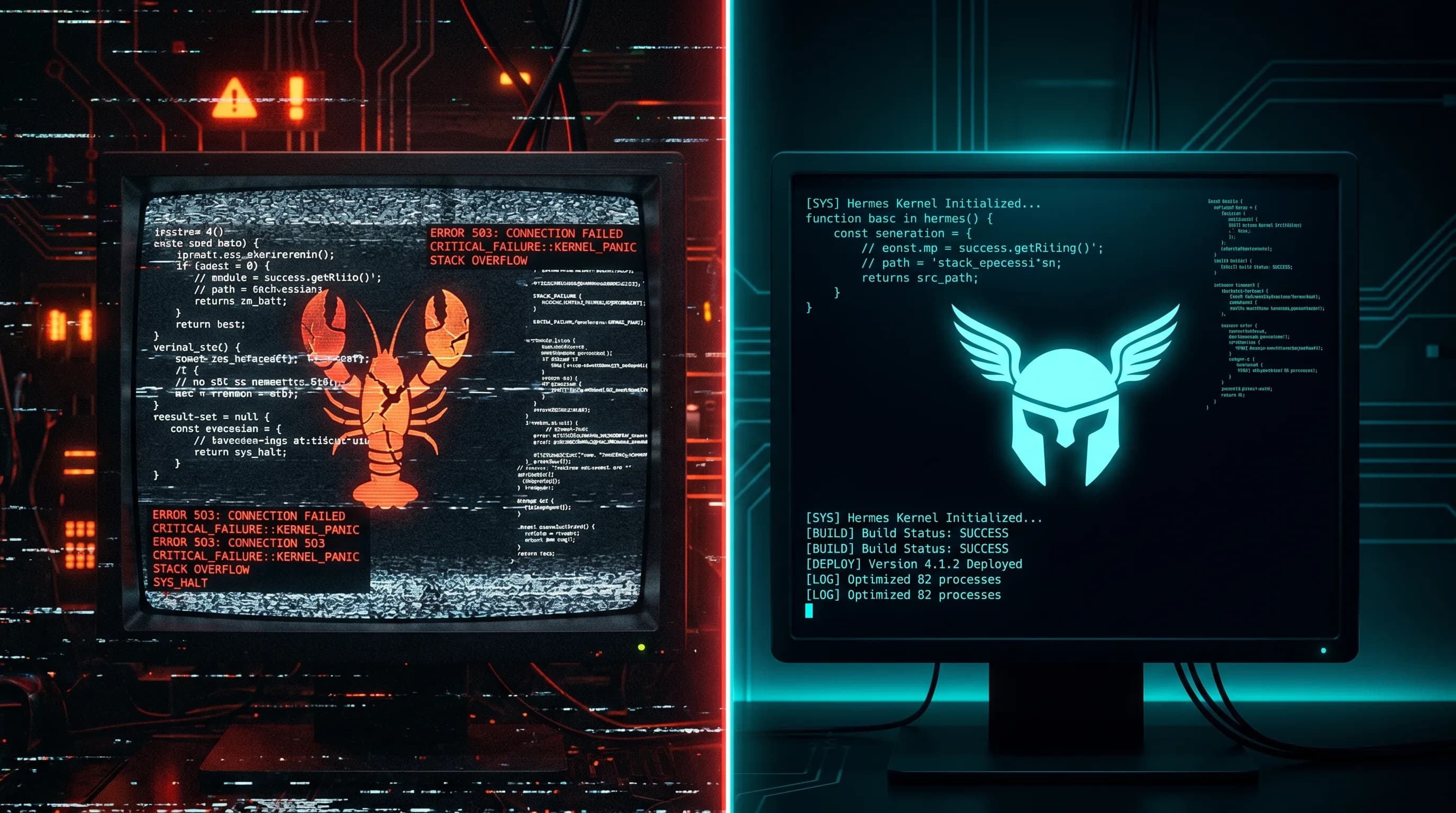
OpenClaw is vibe-coded quite sloppily though. Even within those five minutes of testing it had already glitched out. I uninstalled it and moved on with life. But recently I found Hermes Agent from Nous Research, and this one is different.
What Is Hermes Agent?
Hermes Agent is an agent runtime framework, not a model. The runtime drives any model you point it at: you bring your own API keys from OpenRouter, OpenAI, Anthropic, DeepSeek, xAI, or one of 17+ supported providers.
Nous Research also makes the Hermes fine-tuned models (Hermes 3, Hermes 4), which are fine-tunes of Llama trained for tool-calling and agentic tasks. The agent runtime is a separate project that can use any model, not just theirs.
The core idea is what they call a closed learning loop. Most AI assistants suffer from two problems: memory decay (they forget everything between sessions) and environmental isolation (they can't actually do things in the real world). Hermes tackles both.
After completing a task, Hermes writes a reusable skill document describing how it solved the problem. Next time a similar task comes up, it searches its skill library instead of starting from scratch. It also keeps full-text search over all past conversations stored in SQLite, uses LLM-powered summarization for cross-session recall, and maintains a persistent model of who you are and how you like things done. Over time it genuinely learns your preferences and gets better at helping you specifically.
The tagline is “the agent that grows with you,” and that's actually accurate. It's not just a chatbot wrapper.
What Makes Hermes Different
Beyond the architecture, it's actually well made. I've run into a couple of configuration issues here and there, but for the most part it works quite well, with a good amount of features and integrations out of the box.
If you need something custom you can always just ask it to make it. The GitHub repo has over 80k stars with commits every day. The project went from v0.2.0 in March 2026 to v0.9.0 by mid-April, shipping a major version roughly every 4-5 days.
I've been running it with FirePass from Fireworks AI, which serves KIMI K2.5 at a really fast inference speed. We're talking up to 200 tokens per second. Super responsive, and at $7/week for unlimited developer tokens it's hard to beat. I talked about FirePass in my Claude Code alternatives post.
Running It on a Server (The Right Way)
I'm currently running Hermes inside a Digital Ocean VPS, which means I can give it access to everything on the server. Hermes has some cool sandboxing options if you don't want to go that route.
You can have it only execute code in a sandbox container like Docker, a remote container like Daytona, or even have it SSH into a separate server as its sandbox environment. That's way safer than running code directly on your laptop.
I think giving it a dedicated server is the best approach. Higher uptime, you don't have to keep your laptop running, and after you connect it to Telegram you can message it from anywhere.
Why I Actually Use It: Messaging from Anywhere
When I'm at my desk I have Claude Code, Codex, and a dozen other coding tools. Hermes isn't competing with those. Where it shines is when I'm away from my computer.
I use it a lot on the train. Pulling out a laptop on a crowded commute isn't practical, and the internet is spotty, but Telegram messages usually get through. I can ask Hermes to check if a PR has merge conflicts, draft a reply to an email, or look up documentation for something I'm thinking about. By the time I get to my desk, the work is already done.
That's the real use case: not replacing my desktop setup, but having an assistant I can text from my phone when a laptop isn't an option.
Hermes also runs overnight jobs, outreach emails, and expense tracking for Rifle Configurator. That story is in how I vibe coded a site to 1 million+ visitors.
What I Have It Connected To
My current setup has Hermes connected to Linear so I can create issues and check project status, Google Workspace for email drafts and calendar management, and GitHub for repo access and PR reviews. Telegram is the interface I message it through.
Hermes supports a lot more: Discord, Slack, WhatsApp, Signal, even iMessage if you're on Mac. I stuck with Telegram because it works well on both my phone and laptop, and the bot API is solid.
Running Claude Code on the Same VPS
On the same server, I also run Claude Code with full permissions and a Telegram interface. The idea was to have a more powerful coding agent I could message remotely.
It's still experimental and pretty rough. There's no way to really control it remotely: you can't clear the context, send slash commands, or do anything except send messages. It kind of works, but in practice it's much better to either ask Hermes to do the task directly, or ask Hermes to launch and control a Claude Code session for you. Hermes can spin up Claude Code, feed it a task, and report back with the results. That flow is way more reliable than trying to control Claude Code through raw Telegram messages.
Memory Systems: The Best Part (and the Rough Edges)
The best part of Hermes is that it continually learns as you use it. It has several memory systems that build up over time.
It creates skills, remembers your preferences, and generally becomes better at doing things the more you use it. This is what makes it feel like a real assistant rather than just a chatbot.
Unfortunately, this is also where I ran into the roughest edges.
I tried Mem0 first. It worked, but it's really not a great memory system. The recall is mediocre and it doesn't feel like it's building up a real understanding of who I am.
Next I tried Honcho, which is a very interesting concept: a memory system that learns and uses LLMs internally for reasoning. Unfortunately it was mis-attributing everything. Things I said were being attributed to the AI agent, and everything was backwards. Didn't stick with that.
I've been trying Holographic, which ships with Hermes, but that hasn't been super useful either. It's just not putting memories in there reliably. Hermes has 8 different memory providers to choose from, so I'll keep experimenting. If you have suggestions on this, I'd love to hear them.
Customizing Your Agent's Personality
You shape your agent's personality through the soul.md file, which defines how it acts and responds. Want it formal? Casual? Sarcastic? That's all configurable.
There's a lot of fun in personalizing your agent and making it the kind of agent you want. You can play around with different ideas for what your AI assistant should sound like and act like.
If you're interested in how I structure projects for AI agents generally, I wrote about that in How I Structure Projects for AI Agent Collaboration. A lot of the same principles apply to setting up Hermes.
FREQUENTLY ASKED QUESTIONS
Is OpenClaw an AI agent?
Yes, OpenClaw is a free, open-source autonomous AI agent that executes tasks via large language models. It uses messaging platforms like Telegram, WhatsApp, and Discord as its main interface. However, it has significant security issues and stability problems that make alternatives like Hermes Agent a better choice.
What can OpenClaw AI do?
OpenClaw can write code, send emails, browse the web, manage calendars, search for information, and integrate with services like GitHub and Google Workspace. It runs on your own infrastructure and learns over time. The concept is powerful, but the implementation is buggy and insecure.
What are the top 3 AI agents?
For personal AI assistants you self-host, the top options are Hermes Agent from Nous Research (most polished), OpenClaw (most popular but buggy), and Nanobot (lightweight alternative). For coding agents, Claude Code, Codex, and Cursor are the leaders.
What are people doing with OpenClaw?
People use OpenClaw as a personal assistant they can message from anywhere. Common use cases include automating emails, managing GitHub repos, scheduling calendar events, researching topics, and running code on remote servers. Hermes Agent handles all these same tasks with better reliability.
How does Hermes compare to OpenClaw?
Both are self-hosted personal AI assistants, but Hermes is far more polished. OpenClaw is sloppily vibe-coded with security issues, while Hermes has 80k+ GitHub stars, real documentation, and proper sandboxing. If OpenClaw caught your eye, try Hermes instead.
How does Hermes compare to Claude Code?
Claude Code is a terminal coding agent for focused sessions at your desk. Hermes is a general-purpose assistant you message from anywhere, with cross-session memory, skill learning, and 16+ messaging platforms. They're complementary: Hermes can even launch Claude Code as a subagent for coding tasks.
Is Hermes Agent free to use?
Hermes Agent itself is open source and free. You'll need to provide your own LLM API keys, which is where the cost comes in. Running it with FirePass from Fireworks AI costs about $7/week for unlimited tokens. You can run it on a cheap VPS starting around $5/month.